

TypeScript can check how your code uses a value, but types disappear when the program runs. A response from fetch(), browser storage, or a user submitted form is still untrusted data. This guide builds on the TypeScript type cheat sheet and the incremental migration guide to show how to establish a safe boundary.
Treat parsed data as unknown #
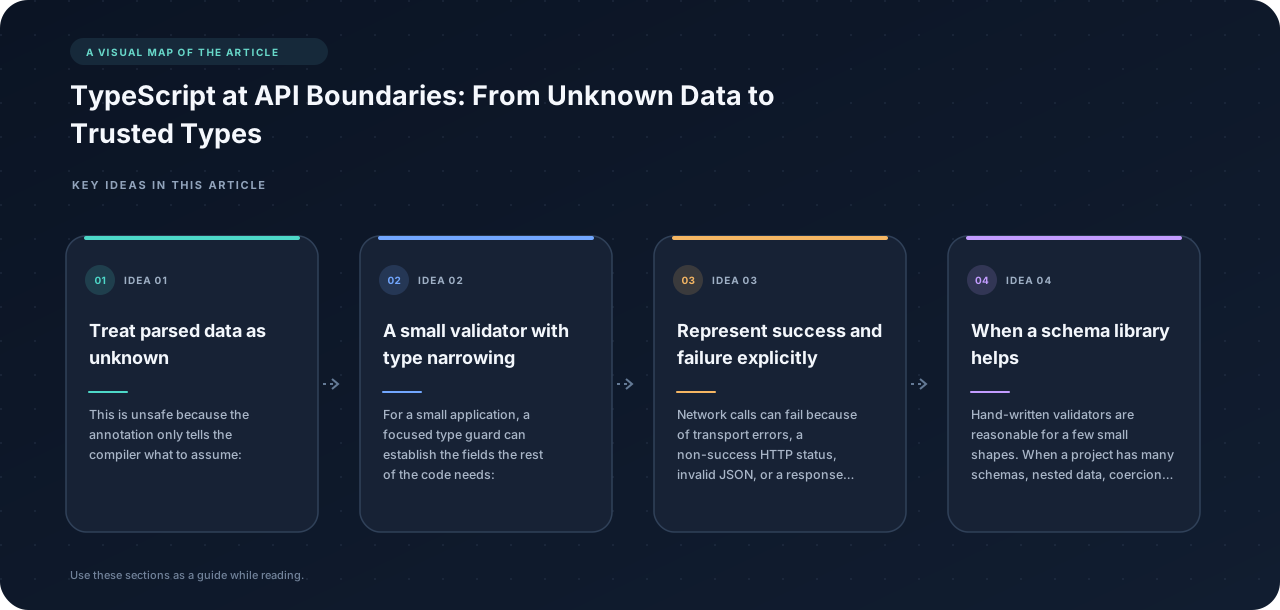
This is unsafe because the annotation only tells the compiler what to assume:
type User = { id: number; name: string };

const user = (await response.json()) as User;
console.log(user.name.toUpperCase()); // can still fail at runtime
The server may return HTML for an error page, a stale schema, or a { name: 42 } object. A type assertion does not inspect the value. Prefer to accept it as unknown, then validate its shape.
A small validator with type narrowing #
For a small application, a focused type guard can establish the fields the rest of the code needs:
type User = { id: number; name: string };

function isRecord(value: unknown): value is Record<string, unknown> {
  return typeof value === "object" && value !== null && !Array.isArray(value);
}

function parseUser(value: unknown): User | null {
  if (!isRecord(value)) return null;
  if (typeof value.id !== "number" || !Number.isInteger(value.id)) return null;
  if (typeof value.name !== "string" || value.name.trim() === "") return null;
  return { id: value.id, name: value.name };
}
Returning a new object instead of casting the original also prevents unrelated, unchecked properties from leaking into trusted application code.
Represent success and failure explicitly #
Network calls can fail because of transport errors, a non-success HTTP status, invalid JSON, or a response that does not match the expected schema. Make those cases visible in the return type:
type Result<T> =
  | { ok: true; value: T }
  | { ok: false; error: string };

async function loadUser(id: number): Promise<Result<User>> {
  let response: Response;
  try {
    response = await fetch(`/api/users/${id}`);
  } catch {
    return { ok: false, error: "Network request failed" };
  }

  if (!response.ok) {
    return { ok: false, error: `Server returned ${response.status}` };
  }

  let payload: unknown;
  try {
    payload = await response.json();
  } catch {
    return { ok: false, error: "Response was not valid JSON" };
  }

  const user = parseUser(payload);
  if (!user) return { ok: false, error: "Response did not match the User schema" };
  return { ok: true, value: user };
}
Callers can narrow on ok, and TypeScript makes the value available only in the success branch:
const result = await loadUser(42);
if (result.ok) {
  console.log(result.value.name);
} else {
  console.error(result.error);
}
When a schema library helps #
Hand-written validators are reasonable for a few small shapes. When a project has many schemas, nested data, coercion rules, or shared client/server contracts, a runtime schema library can reduce repeated code. Libraries such as Zod and Valibot can parse unknown and infer the corresponding TypeScript type from the schema. The schema is still runtime code; inferred types alone do not replace parsing.
Validate on the receiving side of each trust boundary. Client-side validation improves feedback, but the server must validate requests independently because clients can be changed or bypassed. Likewise, validate third-party API responses before relying on them.
Keep domain types intentional #
Avoid making every field optional to silence errors. A user profile received from the server, a partially completed form, and a request payload are different shapes and should usually have different types:
type User = { id: number; name: string; email: string };
type UpdateUserInput = { name?: string; email?: string };
type UserFormDraft = { name: string; email: string };
This keeps incomplete input from being mistaken for a complete domain object. It also makes it easier to change API payloads without accidentally changing every part of the application.
A boundary checklist #
- Use
unknownfor data whose shape has not been checked; reserveanyfor deliberate escape hatches. - Check HTTP status before assuming the body is the success schema.
- Handle JSON parse errors and malformed responses.
- Parse untrusted values at runtime, and keep the validated type close to the parser.
- Model expected failure cases as data so callers must handle them.
- Validate requests on the server even if the browser already validates the form.
The goal is not to make malformed data impossible. It is to find out where it enters, reject or report it there, and let the rest of the program work with values whose shape has actually been established.